NAS Storage Choices: How to Split Work Between SATA HDDs and NVMe
The question that stalls most self-hosted NAS builds is whether to go with spinning disks or all-flash. The answer is usually not either/or but a division of labour — each medium doing what it is good at.
Where each medium’s limits are
SATA hard drives win on cost per terabyte and suit large cold data; they are weak on random I/O and comparatively noisy and power-hungry. NVMe is extremely strong on random I/O with low latency, ideal for system disks, databases, caches and containers; it loses on cost per terabyte.
A sensible split
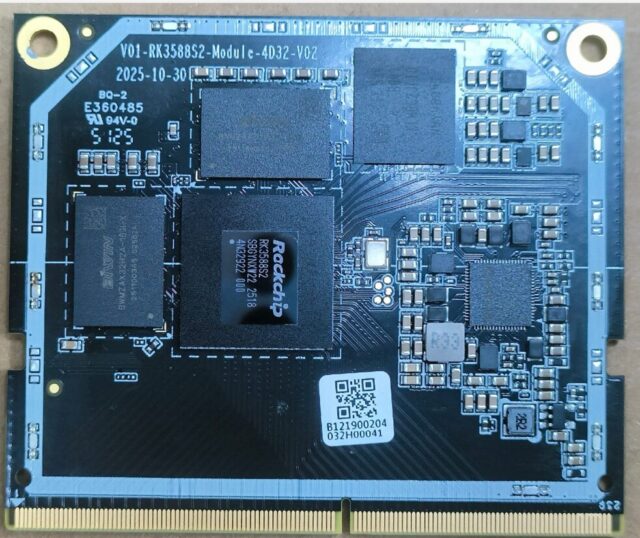
The 04A NAS-RK3588 network storage board carries 4× SATA 3.0 for 2.5″ or 3.5″ drives plus an M.2 NVMe slot. A low-maintenance combination is NVMe for the system disk and container data with a SATA array for files. A failed system disk then does not endanger your data, and reinstalling the OS never touches it.
If budget allows, add a small NVMe as a read/write cache — it helps noticeably with frequently accessed small files. But a cache device failure can affect array consistency, so use a drive you can afford to lose.
Memory and networking often bottleneck first
Many people agonise over storage media while ignoring two other factors. RK3588 uses an eight-core 4×Cortex-A76 + 4×Cortex-A55 layout with a Mali-G610 MP4 GPU, 8K decode and HDMI 2.1 output, so raw compute is not the issue — but insufficient memory slows file indexing and container workloads at the same time. On networking, NAS-RK3588 provides 2× 2.5GbE, comfortably above 280MB/s per port and a clear step up from gigabit.
Do not skip data safety
Whatever media you choose, plan redundancy and backup. Single-drive storage is only for disposable data; anything important needs array redundancy plus an offline or off-site copy. No amount of hardware reliability replaces a backup.
Specifications and downloads are on the NAS-RK3588 product page. We are glad to discuss storage architecture with you.