Choosing Within the HS89 Series: T15 Stick, PRO 15 and MINI 15
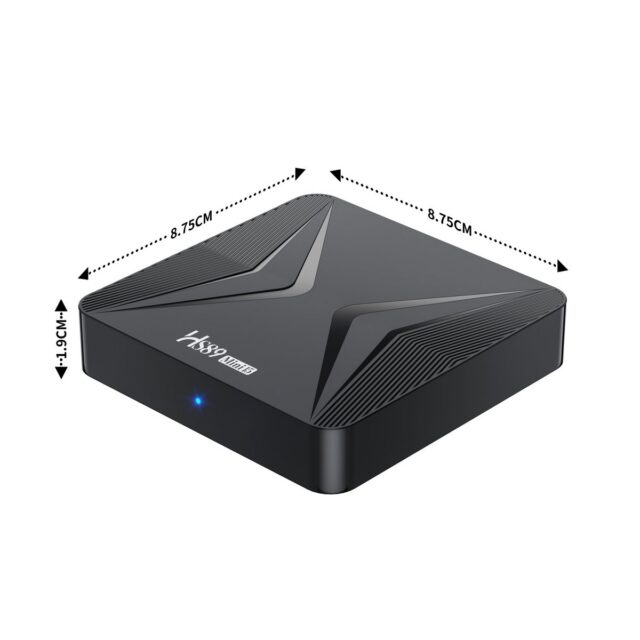
The HS89 series likewise spans stick and box shapes, and selecting within it is less about comparing specifications than about fixing the form factor first. The series covers scenarios from portable to fixed installation, and understanding which problem each shape solves makes selection much quicker.
The Stick Shape: Built for Portability and Zero Cabling
A stick such as the HS89 T15 电视棒(RK3539 安卓 14) plugs directly into HDMI. Its value is occupying no space, needing no extra power run (depending on the TV’s USB supply) and travelling easily. The scenarios are specific: hotel rooms while travelling, temporary use on another TV, or simply no room behind the panel for a box.
Two inherent limitations are worth thinking through in advance: little thermal room, so sustained heavy playback is less comfortable than on a standalone box, and few ports, so a USB drive plus peripherals at once gets cramped. If neither is a problem, the stick is the least-fuss option.
MINI and PRO: Two Tiers for Fixed Installation
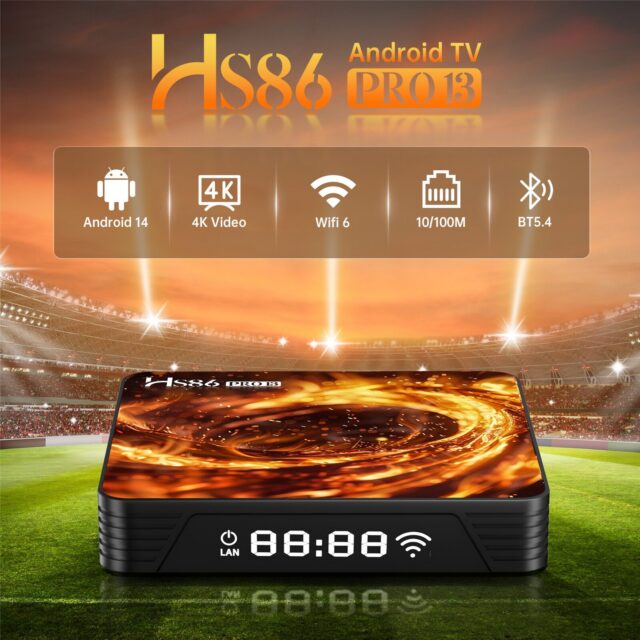
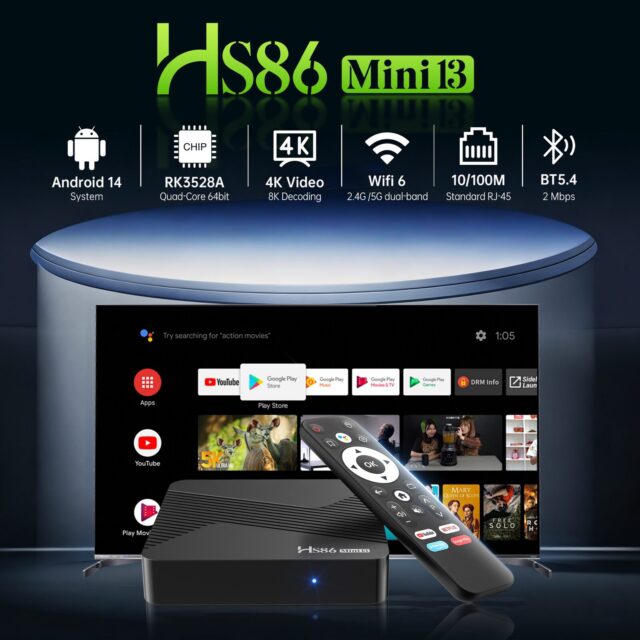
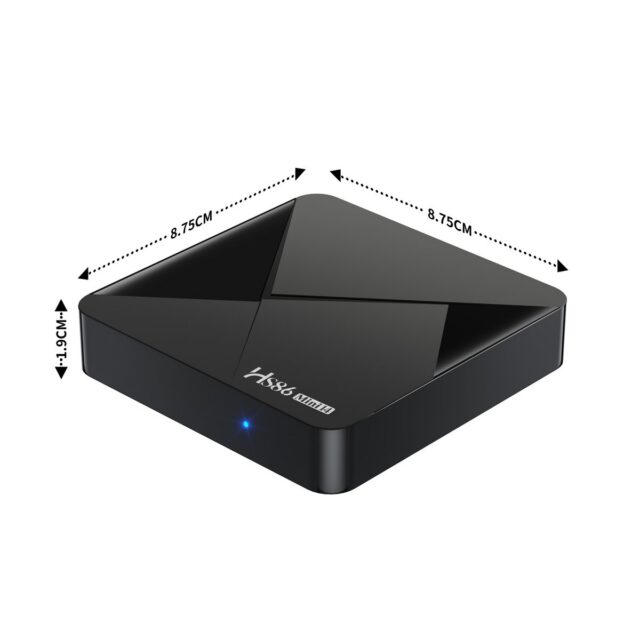
For fixed use, the HS89 MINI 15 机顶盒(RK3539 安卓 14) and the HS89 PRO 15 机顶盒(RK3539 安卓 14) are the main candidates. MINI balances size and cost, suiting living rooms and guest-room TVs where size matters and usage intensity is low. PRO is the more complete model with more comfortable ports and configuration, suiting long uptime, more peripherals, or volume commercial deployment.
The deciding factor is not “which is better” but usage intensity and installation conditions: hours powered on per day, whether playback is continuous, whether cabling can run behind, whether audio or storage attaches. Answer those and the tier is clear. Exact specifications come from the product page — configuration varies by batch within the same shape.
Consistency in Volume Deployment
For commercial projects (hotel rooms, stores, training rooms), the thing to watch is not per-unit performance but consistency across batches: one project should ideally use one batch and one firmware version, otherwise operations later hits “these units behave differently.” So the order should specify firmware version, boot configuration and preinstalled content, and require them to stay fixed for the project’s duration.
Next, confirm how remote management and maintenance work: with units spread across rooms, whether status can be checked remotely, upgrades applied in bulk and configuration unified directly determines operating cost. These capabilities need confirming at selection stage, not after rollout.
System, Certification and Market Compliance
Models in this series are frequently exported and commercially deployed, so system version and certification need checking early: whether the target market requires GMS, whether the system version satisfies application compatibility, and whether radio certification covers the target market. Confirming these before ordering prevents the situation where goods arrive but cannot legally be used.
A Three-Step Method
Step one, fix the shape: carried around or no room behind the TV → stick; fixed installation → MINI or PRO. Step two, fix the intensity: occasional use and size-sensitive → MINI; long running hours and more ports → PRO. Step three, confirm certification and supply: target market, firmware requirements, availability across the project life.
Three steps and the choice is usually clear. Where uncertainty remains, writing down the three targets — scenario, quantity and target market — gives selection a firm basis, and is far quicker than comparing spec sheets one by one.