Dual Independent Displays and Multi-Screen Tiling on RK3588
“Both screens are connected, but they only show the same picture” — the most common blocker in multi-display projects comes from not distinguishing clearly between mirroring, independent display and tiling. They make completely different demands on the hardware path and software stack, and their costs differ substantially.
Separate the three modes first
Mirroring is the simplest: one image sent to two outputs. It suits redundant backup or double-sided displays, needs almost no extra software work and places no additional demand on the display path.
Independent display requires each output to have its own frame buffer and display controller, with the operating system managing them as two separate monitors. This is the genuine requirement for dual-screen ordering kiosks and main-plus-customer-display point-of-sale terminals.
Tiling is the hardest of the three: several physical panels appear to the system as one logical large display, each showing only a region of the overall image. Video walls are the classic case. The difficulty is that timing across panels must be strictly synchronised, or the picture tears and misaligns at the seams.
Bandwidth is the first bill to settle
A single 4K at 60Hz output with 4:4:4 chroma needs close to eighteen gigabits per second. Driving two such outputs means thirty-six gigabits per second on the interface alone, and frame buffer traffic also consumes memory bandwidth.
This leads straight back to memory selection: when memory bandwidth is insufficient, the symptom in multi-display systems is dropped frames, tearing, or one output being forced to a lower resolution. The difference between LPDDR4X and LPDDR5 is therefore markedly amplified in multi-screen projects — you cannot size memory from a single-display specification.
Another easily missed constraint: not every output can operate at maximum specification simultaneously. Phase-locked loops, PHYs and similar resources inside the chip are shared, so some combinations work and others do not. This must be checked item by item in the datasheet rather than assumed from the number of connectors.
Choosing the interface type
Common display outputs on RK3588 platforms include HDMI, DisplayPort, eDP and MIPI-DSI. For external large screens and commercial displays, HDMI is the most universal: good compatibility, inexpensive cabling, long cable runs. DisplayPort is more convenient for multi-screen cascading via daisy chain. eDP and MIPI-DSI mainly serve built-in panels, such as the display in an all-in-one unit.
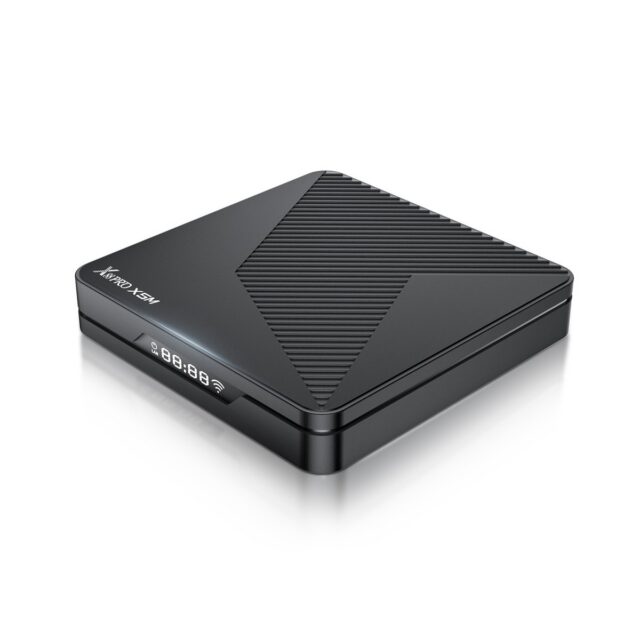
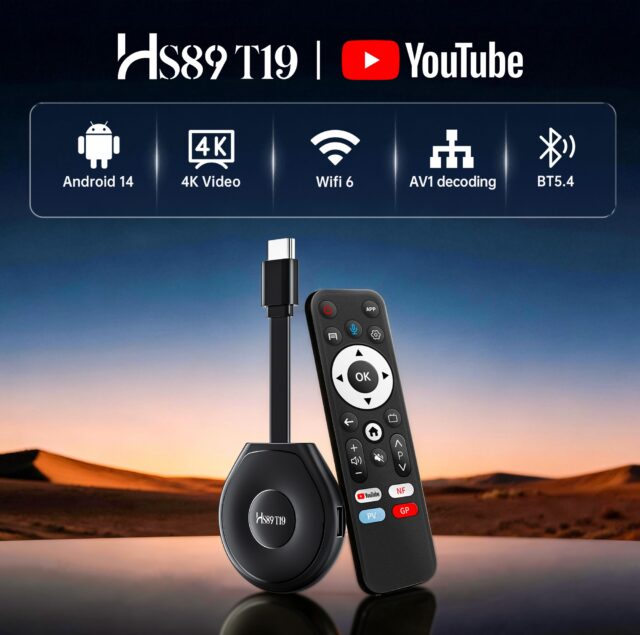
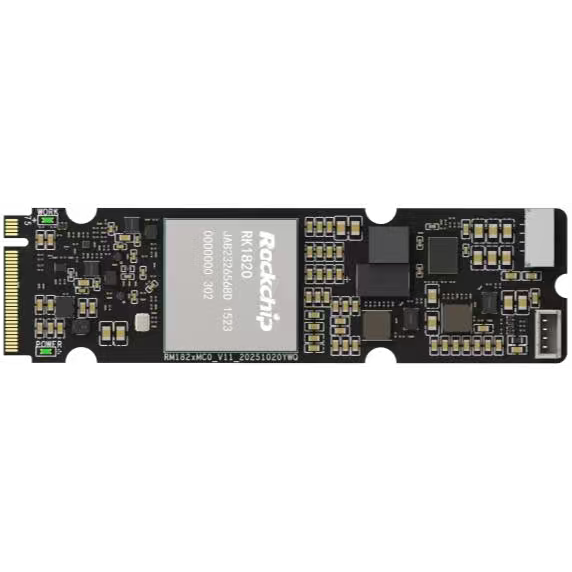
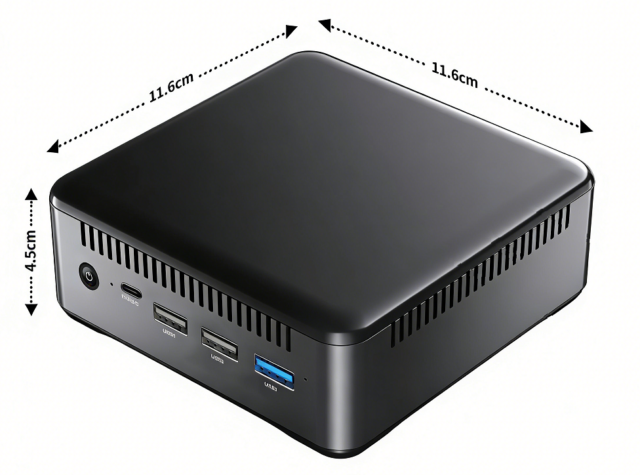
The 01B EDGE-RK3588-4D32 V1.2A pairs an eight-core CPU with 8K encode and decode, the 01H MINI PC-RK3588 is a complete system, and the HS89 T19 PRO media player targets media playback and digital signage. For a multi-display design, first establish how many outputs, at what resolution and refresh rate, and whether mirroring or independence is required — then check that list against platform capability.
Software pitfalls
First, how well independent display works under Android depends on the chip vendor’s BSP. Android itself supports multiple displays, but whether the second output can be configured independently, and whether each can have its own resolution, depends on how deeply the BSP implements it. Ask the supplier for a dual-independent-display demonstration at selection time rather than discovering the limitation during development.
Second, which output carries the audio. With multiple outputs the audio may default to the wrong one and must be routed explicitly. This rarely shows up in a demo and only becomes apparent on site, when the main screen has picture but the sound comes out of the secondary display.
Third, hot plugging. In commercial settings screens get unplugged and replugged, and the system must handle display removal and reattachment correctly instead of crashing or losing the picture permanently.
Fourth, EDID handling. The display’s capability data determines what format the source sends, and a misread negotiates the wrong resolution or colour depth. In a multi-display environment each panel’s EDID must be handled correctly and separately.
Conclusion
The design order is: determine whether you need mirroring, independence or tiling; compute total bandwidth from resolution and refresh rate and check it against the memory configuration; verify item by item which output combinations the chip can drive simultaneously; and finally validate independent display, audio routing and hot plug against real screens at selection time. Buying a board before those first three steps carries high risk.