Home Assistant Backup and Restore: A Migration That Actually Works
Copying the config directory carries most settings but loses USB device bindings and some integration secrets. A verifiable migration follows steps.
Backup is more than copying a folder
- Use HA’s built-in backup: a full backup includes config, database and addon snapshots;
- Move the Zigbee network: take Z2M’s coordinator_backup.json and devices.json together, and devices rejoin without re-pairing;
- Test automations after restore: run each trigger test before reconnecting real devices.
Do the migration late at night and keep the old machine for a week — instant rollback if anything goes wrong.
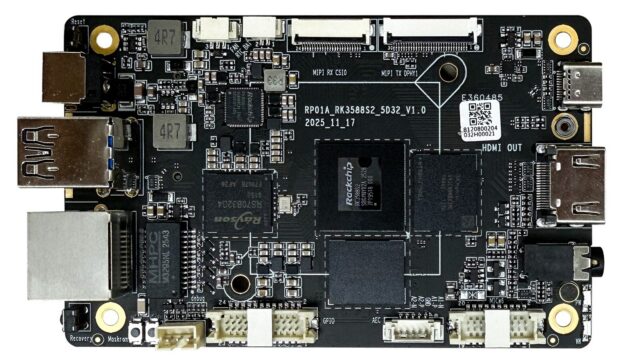
Related products: RK3588 Mini PC, NAS-RK3588 storage board. Datasheets, firmware and SDKs are free at the Hugsun Documentation Center; for selection advice or volume pricing, talk to us.