Deploying Jellyfin on RK3588: From Zero to Watchable
Most people get stuck at “installed but won’t transcode”. On RK3588 the fix is almost always one of three setup decisions made at the start.
Three things before you deploy
- Use the official Debian 11/12 image: its kernel ships the rkmpp decode driver. Ubuntu/Armbian also work; avoid heavily stripped third-party builds;
- Deploy via the official Docker image and pass
--device /dev/driand--device /dev/mpp_service— without them hardware decode stays silent; - Import the library in small batches: confirm one or two local test files transcode correctly before loading everything, or the first metadata sweep can fill your eMMC.
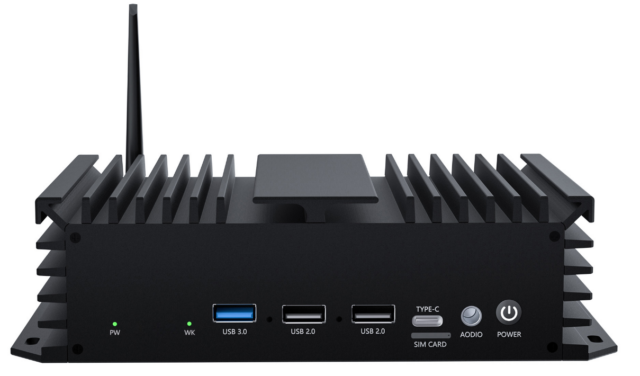
On a 01H MINI PC-RK3588 (8 GB RAM) a 4K HEVC transcode kept CPU under 20%, fanless and silent.
Related products: RK3588 Mini PC, NAS-RK3588 storage board. Datasheets, firmware and SDKs are free at the Hugsun Documentation Center; for selection advice or volume pricing, talk to us.