Retail POS Terminal Hardware: Interfaces, Stability and Fleet Deployment
The device on a checkout counter looks like “a small computer running POS software,” but retail demands are nothing like home use: a pile of peripherals attached simultaneously, a dozen-plus hours of continuous operation, and the ability to swap it out immediately when it fails. Making do with consumer equipment rarely fails on performance — it fails on interfaces and stability.
POS Terminals Connect Far More Than You Expect
Start by listing everything at the till: barcode scanner, receipt printer, cash drawer, customer display, card or QR payment terminal, electronic scale, possibly a membership camera and a second display. Each one consumes a port, and not all of the same type — USB, serial, some over Ethernet. Many buyers count USB ports only, discover too few serial ports at installation, add converters, and introduce another failure point.
So the starting point is a complete peripheral list with the interface type marked for each, then work backwards to the host configuration. It takes little time and prevents the most troublesome class of rework.
Interface List: Serial, USB, Ethernet and the Cash Drawer
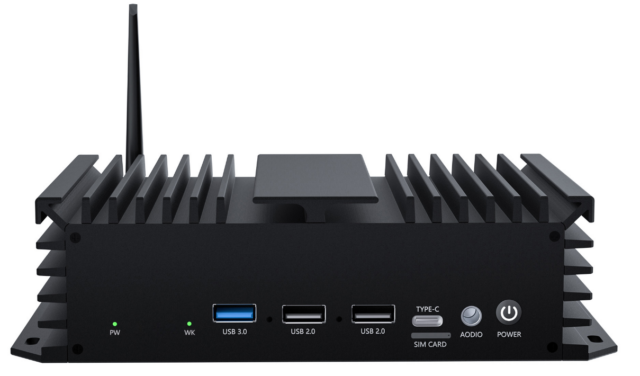
The most routinely overlooked is serial. Receipt printers, cash drawers, customer displays and scales still commonly run RS232/RS485 — especially legacy equipment that chains have used for years. Consumer devices typically have none; commercial or industrial hosts retain them.
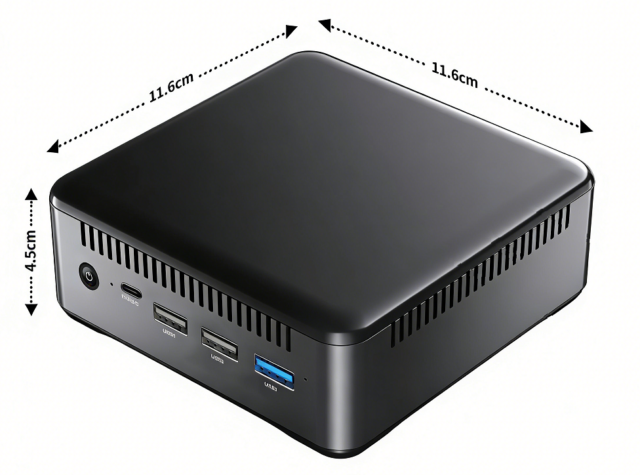
Next is USB power delivery and stability: whether several USB devices can be powered simultaneously and whether they drop off over long runs — neither shows up in a short test and both need a sustained soak on a sample unit. A small host with a complete interface set, such as the 01H MINI PC-RK3588, is usually more practical here than a board chosen for raw compute, because the bottleneck is connectivity, not compute.
Stability: Why Consumer Gear Does Not Belong on a Till
Retail stability has three facets: continuous uptime (throughout trading hours, sometimes never switched off), recovery behaviour (how fast it comes back after power loss or a software hang), and long-term consistency (dozens of stores running identical behaviour).
Consumer gear is designed for none of these: thermals assume intermittent use, system updates may reboot unattended, and configuration can differ between batches. Commercial projects should explicitly require automatic updates disabled, a fixed firmware version, and validated stability under sustained full load.
Form Factor: All-in-One or Host Plus Display
An all-in-one integrates host and touchscreen — tidy, simple to install, good where counter space is tight and appearance matters; the cost is that a fault means replacing the whole unit and the till is out of action meanwhile. A host plus display combination is more flexible: the host hides under the counter, a fault means swapping the host while the display stays, and spares cost less.
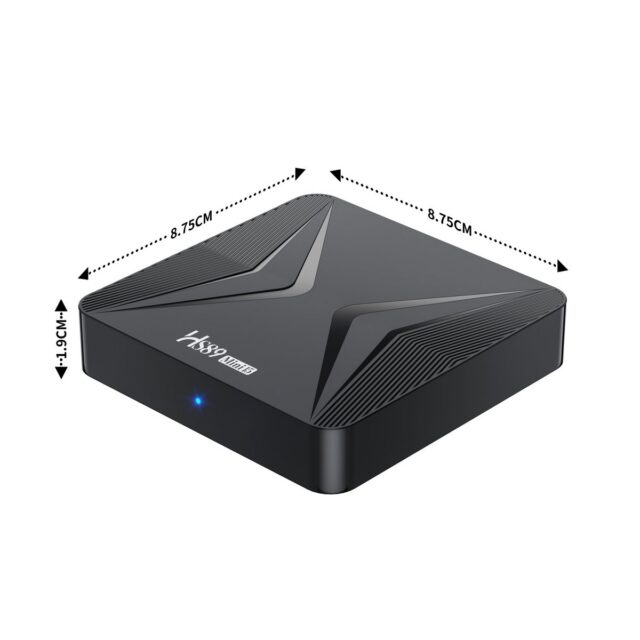
Chains usually prefer the latter — stocking one host is far cheaper than stocking a whole unit, and swapping does not mean re-cabling. Where a second screen only needs driving and performs no computation (a customer-facing promo display, say), a separate player such as the HS89 T19 PRO 网络播放器 is common: splitting display from compute means a fault on either side never stops the sale.
Fleet Deployment and Operations
On a multi-store project the real workload is not installation but configuration consistency: POS software version, peripheral settings, network parameters and startup items must match everywhere. The better approach is building one standard image and flashing it across the fleet rather than configuring units by hand. Confirm remote management at the same time — with devices spread across locations, whether status can be inspected and updates pushed remotely directly determines operating cost.
Selection Checklist
Four steps: list peripherals with interface types → derive the host configuration (serial count and USB power delivery especially) → fix the form factor (all-in-one / host plus display / host plus separate player) → confirm fleet capability (image flashing, remote management, batch consistency).
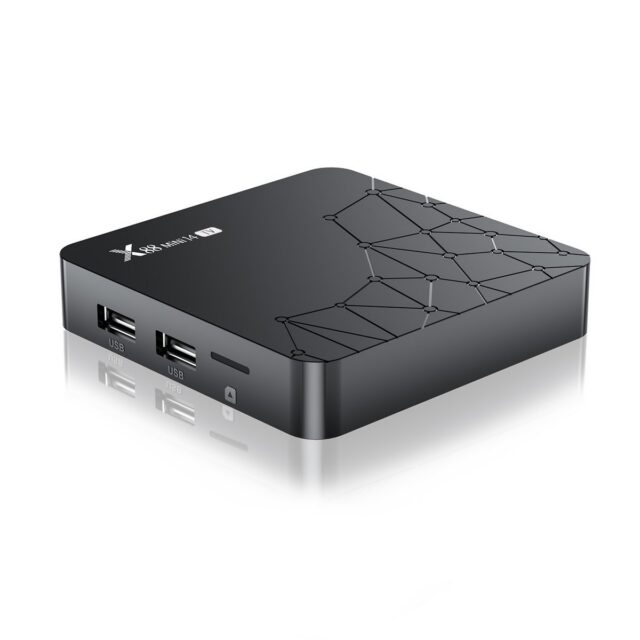
For a single store or entry-level use, a form factor like the X88 PRO 14 机顶盒(RK3518 安卓 14) works as a lightweight option; for chains with many peripherals and long trading hours, prioritise commercial hosts with complete interfaces. Give the supplier three figures — store count, peripheral list and daily operating hours — and selection moves quickly.